

Why Solvent Loss Changes the Print Mid-Run
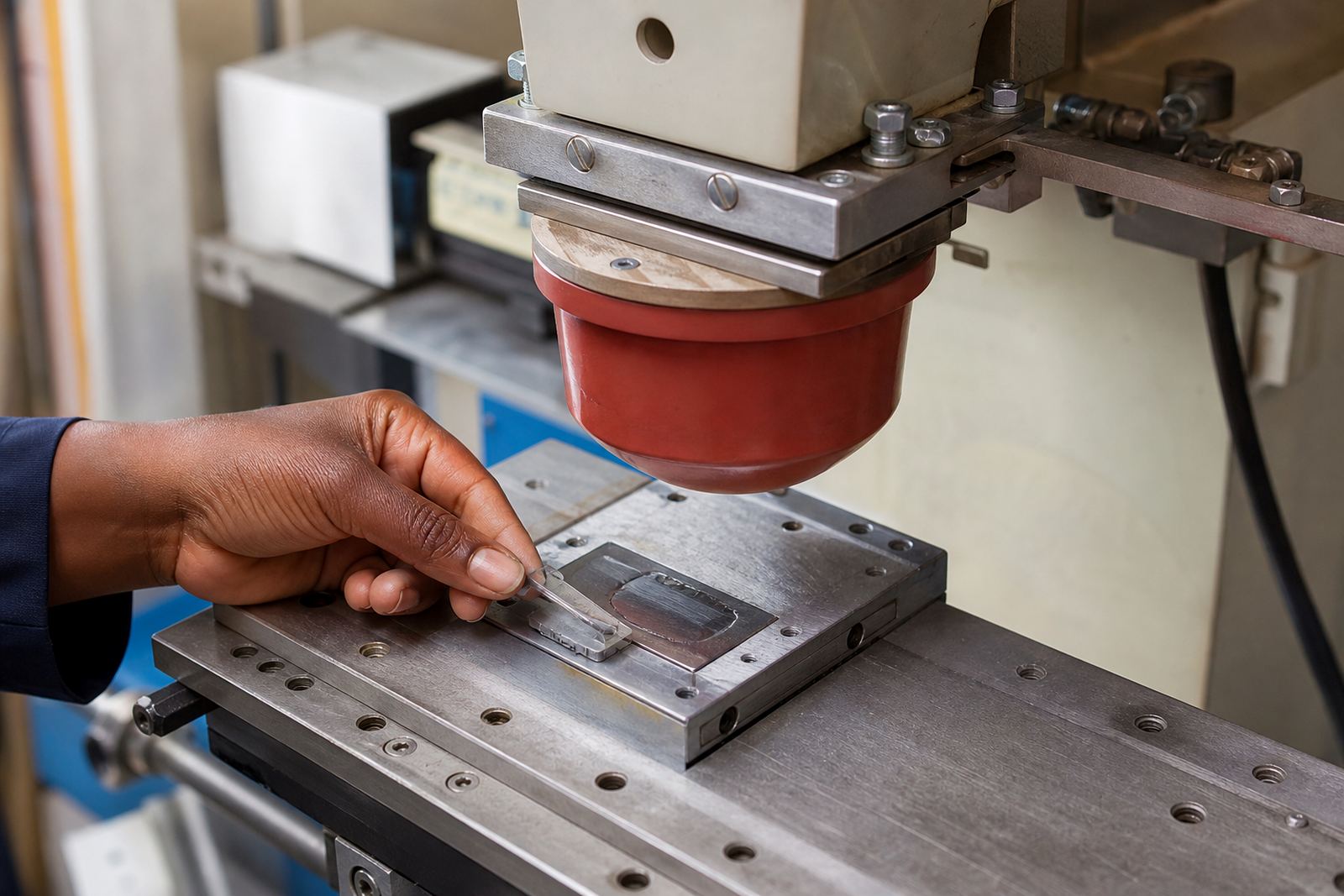
Pad printing relies on a simple sequence: ink sits in the etched plate, the solvent keeps it open long enough to move, and the silicone pad lifts and transfers the image onto the part. As solvent evaporates, the ink gets thicker and tackier. That changes how cleanly the pad picks up the image and how fully it releases it onto the component.
On a short run this may not show much. On a longer run, or in a warm bay in Pinetown, the ink can start to skin at the plate edge, build a little drag on the pad face and lose fine detail. That is why a print that looked sharp at the start of the shift can begin to lose crispness before tea time if the conditions are left alone.
The effect on medical and electronic parts is not only visual. A clipped logo on a control knob, a faded reference mark on a housing, or a weak batch code can create rework and sorting pressure later. The customer still carries responsibility for device compliance, but the print process has to stay stable enough to support that outcome.
What Tack, Pickup and Release Look Like in Practice
Tack is the point where the ink grips the pad just enough to transfer, but not so much that it strings or smears. When solvent evaporates too far, tack rises. The pad may pick up too much ink, then release poorly onto the part. If the pad is too wet, by contrast, the image can break up or flood at the edges.
Operators usually notice the change in small ways before it becomes obvious on the bench. The image may look slightly dull, the pad may leave a faint halo, or the second part in a fixture may print differently from the first. In a mixed production day, that makes rerun job control important, because a minor shift in solvent level can affect a whole tray of parts.
- Pickup becomes heavier when the ink is too tacky.
- Release becomes uneven when the ink is too dry on the plate.
- Fine lines close up first, then solid fills start to look patchy.
- Small moulded textures can hide defects until inspection under light.
The Local Conditions That Speed Up Evaporation
Production rooms across South Africa do not all behave the same. A workshop in Westmead can feel different from a plant in Johannesburg or Cape Town, and even within Durban the temperature and air movement can change through the day. Hot afternoons, open roller doors, fans across the press and coastal humidity all affect how quickly solvent leaves the ink.
Electrical interruptions can make things harder too. That combination can alter the first few prints after restart.
One common local example is a medical plastics run in Pinetown where the morning prints are clean, but by mid-afternoon the ink has tightened and the smallest text starts to close up. The fix is often not dramatic. It may be as simple as adjusting the solvent balance, reducing exposure to moving air, or changing the print pace so the plate does not sit open for too long.
How to Keep Solvent Balance Steady Through the Shift
There is no single setting that suits every part. Solvent control depends on the plate depth, the ink system, the size of the image, and the time the artwork spends on the pad and plate. Good print control means watching the ink, not just the finished part. If the ink begins to feel sticky or the print starts to soften, the correction should happen before the job drifts.
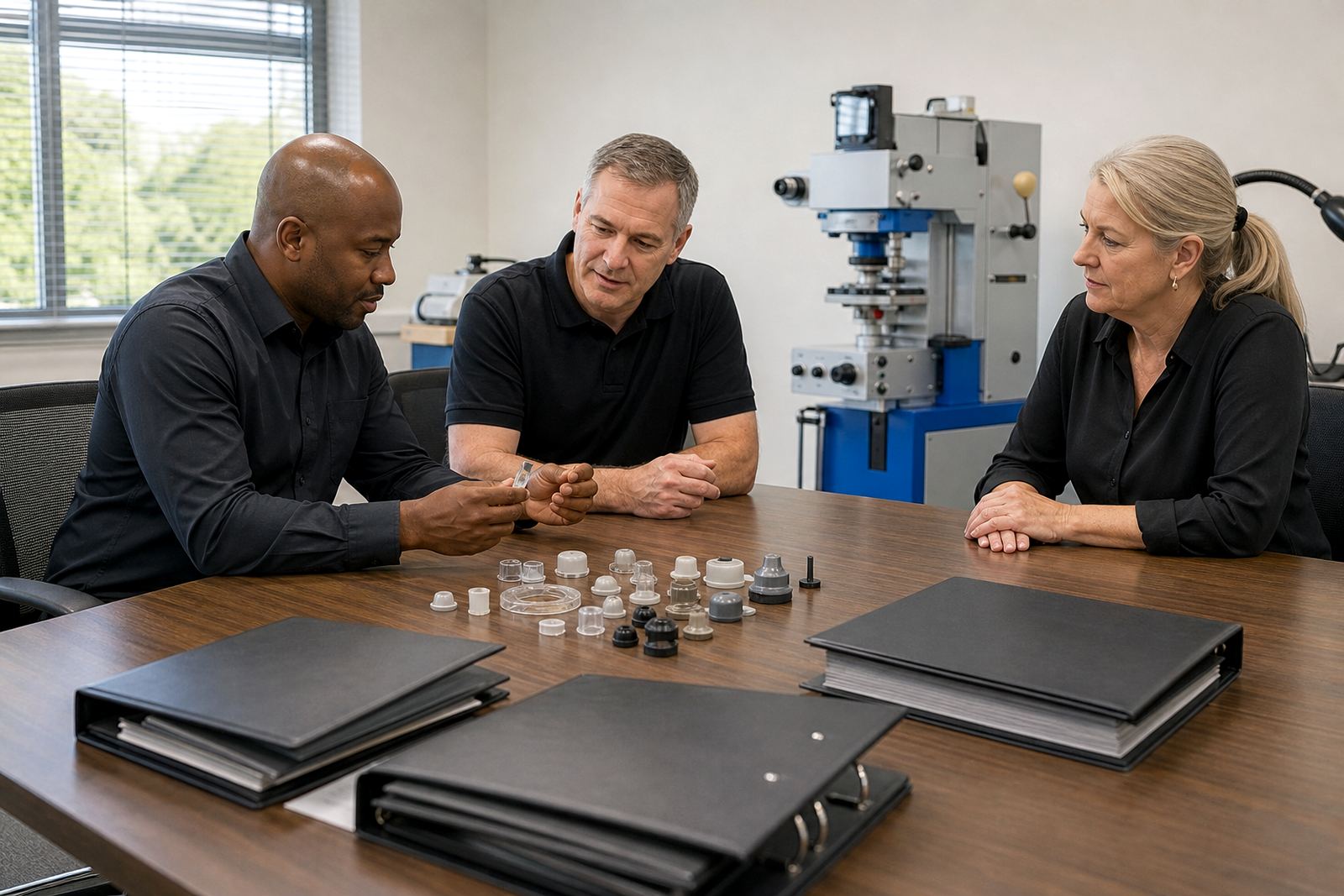
At the base in Westmead, this is where artwork preparation, plate exposure, plate etching and fixture making all come together. A well planned print area and a stable fixture reduce delays between pickup and transfer, which helps limit solvent loss. Trial sample runs are useful because they show how the image behaves in real room conditions rather than in theory.
- Keep lids and covers in place when the press is idle.
- Match the curing method to the ink and part material.
- Check the first sample after any pause, not only at job start.
- Control airflow so the plate edge does not dry faster than the centre.
Curing After Transfer Matters as Much as Pickup
Solvent evaporation does not end when the ink leaves the pad. After transfer, curing must remove what remains without damaging the mark or the part. If the curing stage is too aggressive, the print can harden before it settles properly. If it is too light, the print may stay soft and vulnerable to handling, packing or later assembly.
On electronic parts, curing has to be matched to heat sensitive housings, buttons and labels. On medical components, the requirement is often for a mark that stays legible and neat through cleaning, storage and use. The actual compliance question belongs to the manufacturer, but the print itself must be consistent enough to support their process.
That is why curing method selection is not a side note. It sits beside adhesion test samples, rerun job control and dispatch packing. If the mark passes visually but changes after cure, the problem may have started much earlier with solvent loss during the print cycle.
What Good Print Control Looks Like on a Real Job
For manufacturers in Durban, Johannesburg, Cape Town, Pretoria and Gqeberha, the aim is repeatable print behaviour from the first sample to the last carton. That means the artwork is prepared properly, the plate is clean and even, the fixture holds the part in the same place every time, and the ink is watched as closely as the machine settings.
When solvent evaporation is managed well, the difference shows in small ways: cleaner edges, better colour match, more even solids and fewer touch-ups after curing. It also helps with packing and dispatch, because parts that print cleanly are easier to inspect and sort. For a production team, that saves time at the end of the run, which is where small problems usually turn expensive.
At PadPrinters Medical in Westmead, Pinetown, the practical answer is usually the same: test early, watch the room, and do not wait for the print to fail before making a correction. Solvent loss is part of pad printing. Keeping it under control is what protects clarity on the part and consistency through the shift.