
What actually wears a pad printed mark
On medical housings, control panels and electronic components, the printed mark is rarely exposed to just one kind of stress. A logo or reference mark may be rubbed by gloves, wiped with alcohol, exposed to skin oils, touched by tools, or handled during packing and final assembly. Each of those actions removes a little bit of the ink film over time, especially on smooth plastics and coated surfaces.
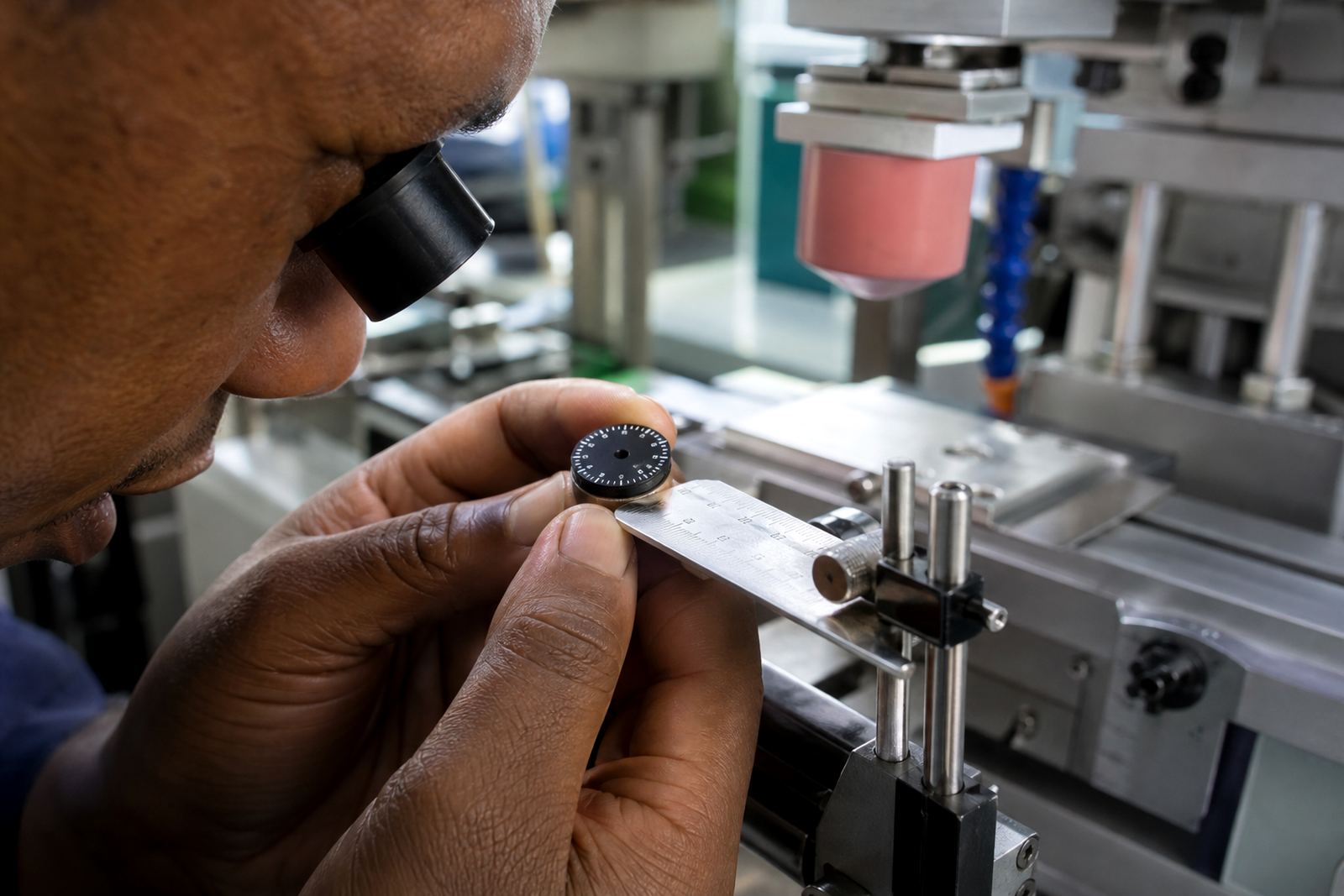
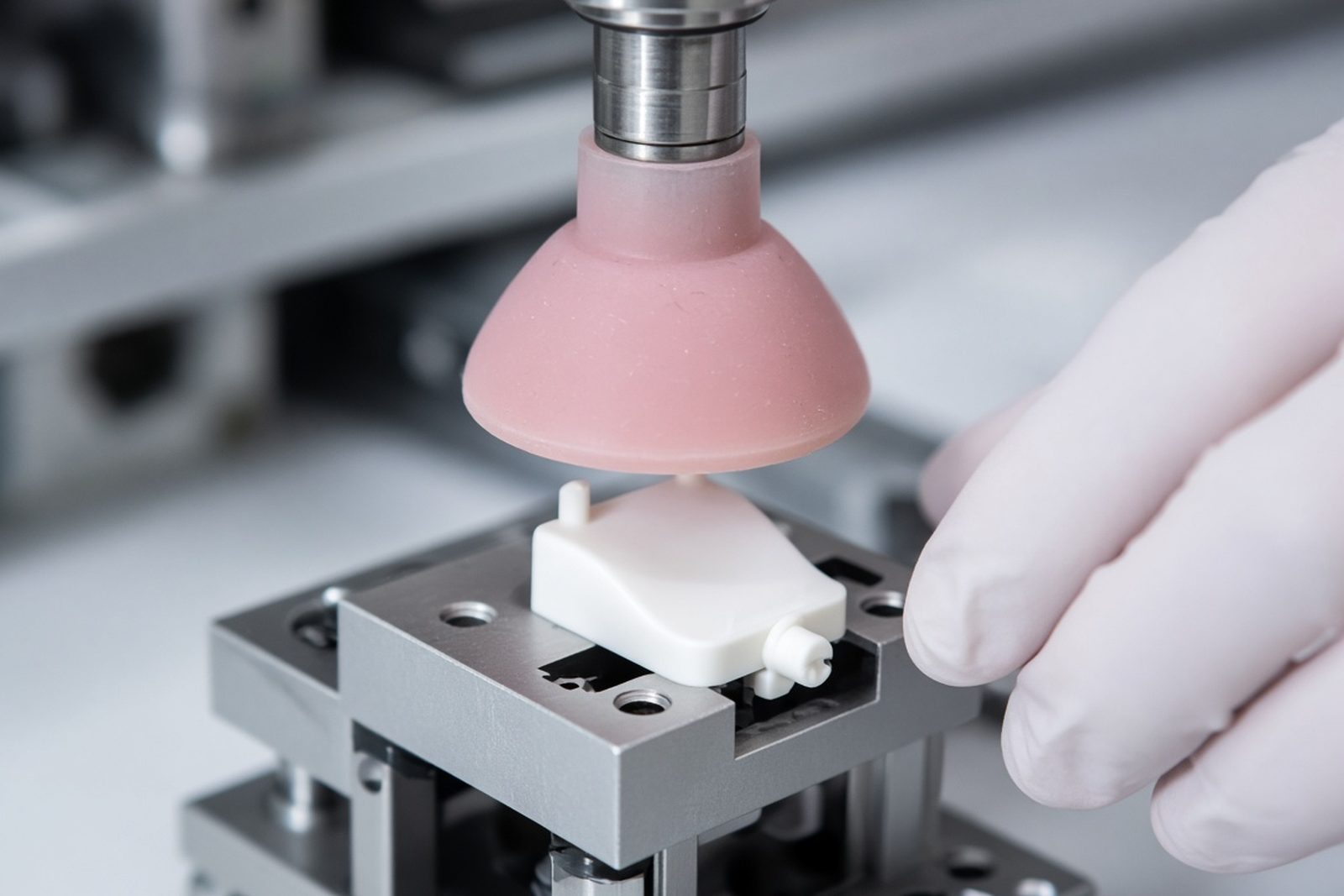
Pad printing uses a silicone pad to lift ink from an etched plate and transfer it onto a shaped part. That method is ideal for curved, small or uneven items, but the finished result still depends on how well the ink bonds to the surface and how fully it cures. If the substrate has mould release, dust or surface energy issues, the mark may look fine at first and then fail too soon.
- Frequent hand contact usually means edge wear first.
- Cleaning chemicals often dull the image before they remove it completely.
- Raised ribs, corners and recesses can lose ink faster than flat areas.
Why medical and electronic parts need different thinking
Medical components and electronic components are both precise, but they face different forms of abuse. A medical button or housing may be cleaned often, sometimes with stronger wiping routines than a consumer product. An electronic enclosure may spend more time in warehouses, on shelves, or inside equipment where heat and static are part of daily life. The mark has to suit the product, not just the artwork.
For this reason, the same ink mix is not always the right answer for every job. Some parts need a harder finish, while others need a mark that remains flexible over a lightly textured surface. At PadPrinters Medical in Westmead, Pinetown, the focus is on matching the print system to the part, the intended handling and the likely cleaning method. That includes print area planning, colour matching and trial sample runs before production starts.
- Choose ink for the part’s surface, not only for the colour required.
- Allow for any sterilising or wiping process the customer uses.
- Plan the print location so it is less exposed to abrasion.
Curing is where many marks are won or lost
Curing is the stage that turns a fresh print into a serviceable mark. If the ink is not cured properly, it can smear during packing, pick up fingerprints, or soften when exposed to cleaning fluid. If it is overcured or cured at the wrong temperature, the mark may become brittle and flake on flexing parts. Getting this balance right takes methodical testing, not guesswork.
The curing method depends on the substrate, the ink system and the part geometry. Some jobs need a slower process because the part carries heat poorly. Others can take faster cycles if the fixture and airflow are controlled. In a Durban climate, humidity can also affect drying and handling times, so production settings need attention. A dry winter morning in Johannesburg is a different working condition from a warm, moist day near the coast and that matters more than people think.
- Confirm cure times with trial samples before a full run.
- Use fixture making to keep parts steady through the curing stage.
- Check for smudging after curing, not only straight after printing.
Chemical exposure: the quiet cause of early failure
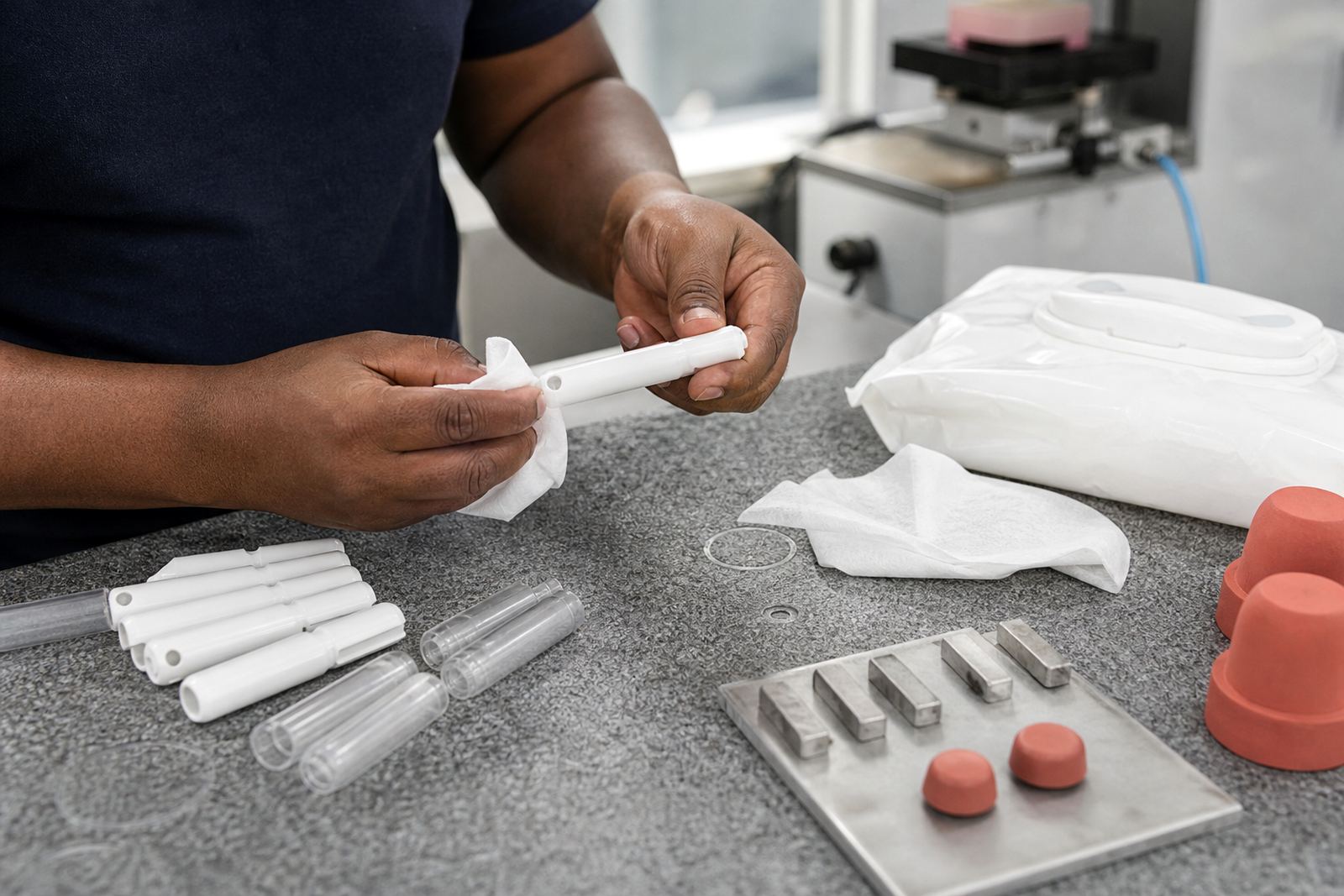
Many printed parts fail because of repeated contact with chemicals, not dramatic damage. Alcohol wipes, detergents, solvents, oils and even hand sanitiser can weaken a mark over time. A print that survives one wipe may still fail after fifty. That is why adhesion test samples matter, particularly for components that go into clinical, laboratory or control environments.
When the marking needs to survive cleaning, the surface preparation must be sound and the ink selection must match the exposure. In some cases a lighter mark is acceptable if it holds its contrast better over time. In other cases the print area can be adjusted so the mark sits in a less exposed position. Rerun job control also helps when a proven setup needs to be repeated months later with the same results.
- Ask what the end user will clean the part with.
- Keep sample parts from adhesion testing for comparison later.
- Do not assume a glossy surface is automatically a good printing surface.
Handling during assembly and transport
Durability is not only about the finished product in the field. A print can be damaged between the press and the customer if the parts are stacked badly, packed too tightly or shifted around during transport. Thin housings and small electronics parts often rub against one another in transit, and that can scuff a perfectly good mark before it ever reaches the line.
For this reason, dispatch packing is part of the durability conversation. A well printed item still needs protection. Separators, trays and careful orientation reduce contact marks and keep fresh prints from sticking together. On local deliveries from Pinetown to Durban manufacturers, or further to Pretoria, Cape Town or Gqeberha, packing choices can make the difference between a clean handover and a damaged batch.
- Let printed parts cool and settle before packing.
- Use packaging that prevents friction between parts.
- Separate fresh prints from cured stock during dispatch.
From the print room: The production floor
A manufacturer in the Pinetown area may need a small run of marked control buttons for equipment used in a humid plant room. The part is plastic, the surface is slightly curved and the customer expects clear symbols after repeated wiping. In that case, the process would start with artwork preparation and logo redraws if needed, then print area planning, plate exposure and plate etching, followed by a trial sample run. If the sample shows poor adhesion or poor rub resistance, the team can adjust the ink choice, the fixture or the curing method before the job moves ahead.
That sort of practical testing is what keeps the work reliable. It is not about making a mark look good for one photograph. It is about keeping the mark readable after handling, cleaning and use. Sibusiso Naicker and the team at PadPrinters Medical handle the process with that goal in mind, whether the order is for Durban, Johannesburg, Cape Town, Pretoria or Gqeberha. Customers remain responsible for their own device compliance, but the print itself should not be the weak point.